
Flow Engineering changelog
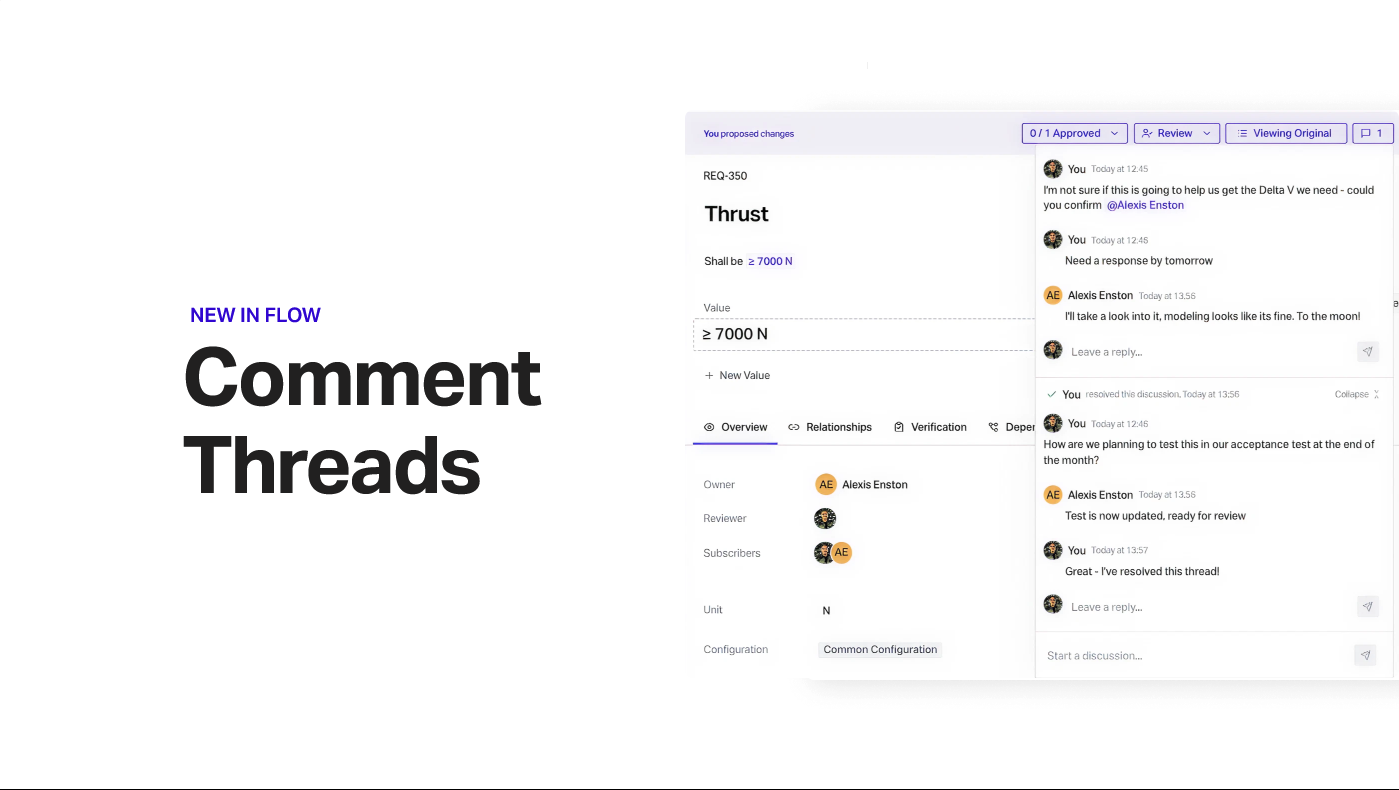
Comment Threads
Comment Threads
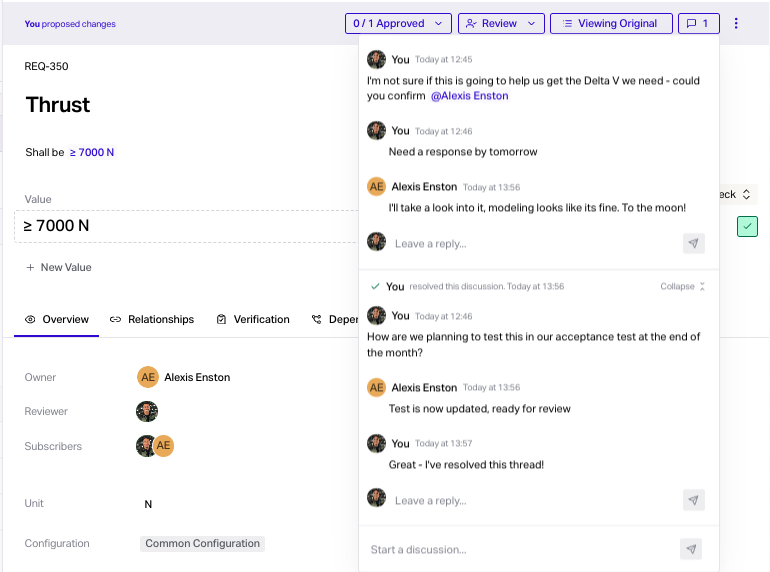
You can now comment, reply and resolve threads in Flow!
To start a thread - go to an open change review and click the comment icon at the top.
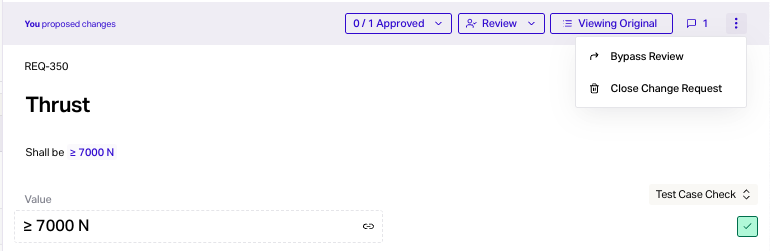
Bypass Reviews
To save time with approvals - admins and requirement owners can now bypass reviews by clicking the three dots.
Filter by 'Awaiting Review'
There's a new filter that will show you open change reviews for any user.
Combine with other filters to focus on the reviews you want.
Just go to Add Filter > Awaiting Review > Select Users.

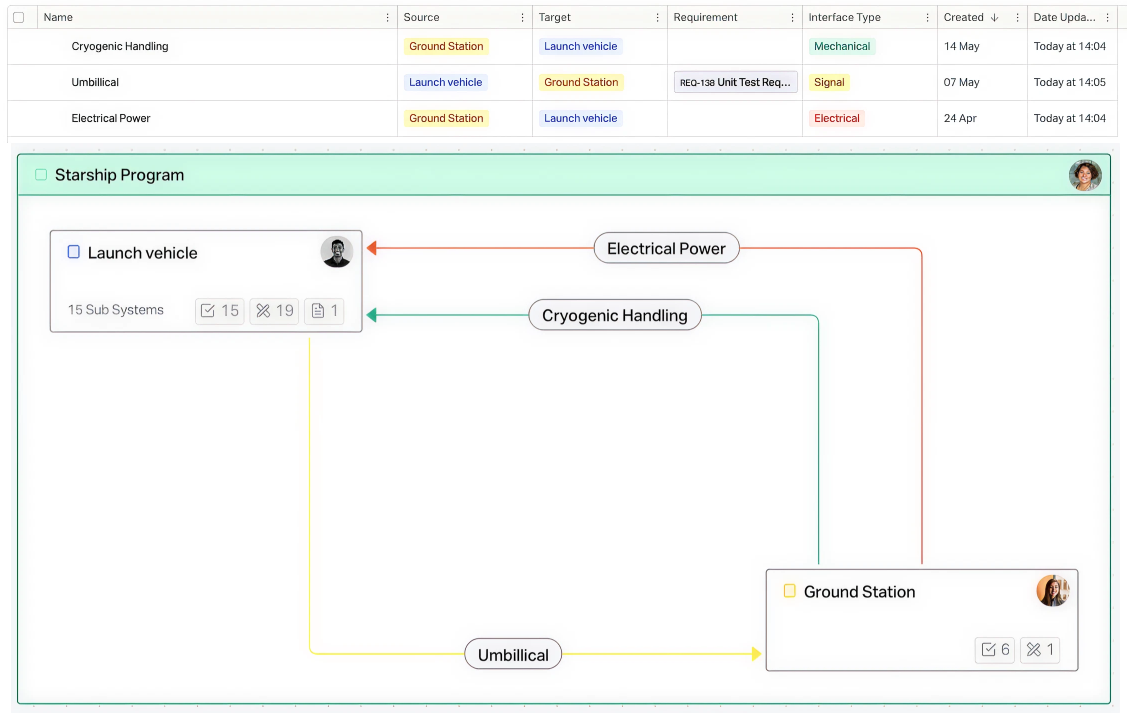
Interface Types
You can now give an interface a specific type - this will update the colour of arrows in Architecture view to make things easier to see.
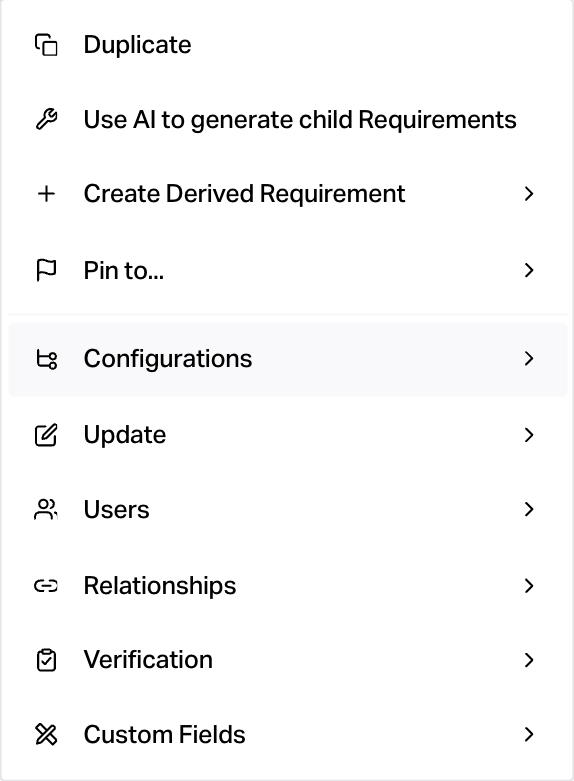
Consolidated Bulk Edit Menu
The bulk edit menu is now easier to navigate - you’ll find options grouped under headings!
Test Case Types
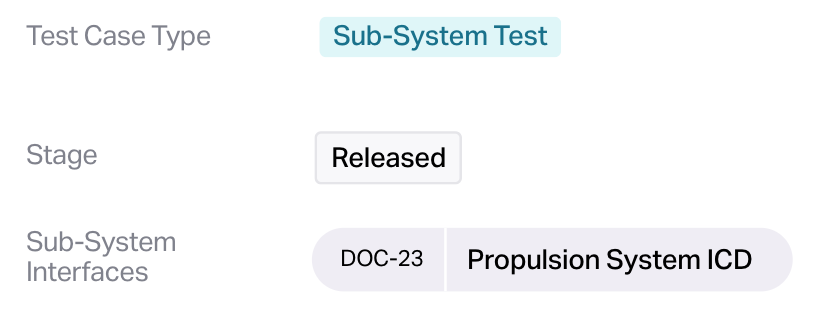
Test Cases can now have a type - which allows you to determine which custom fields show.
Test case stages and reviews coming soon!
API Improvements
Manage org members
List test cases on a test plan