
Flow Engineering changelog
Risks View
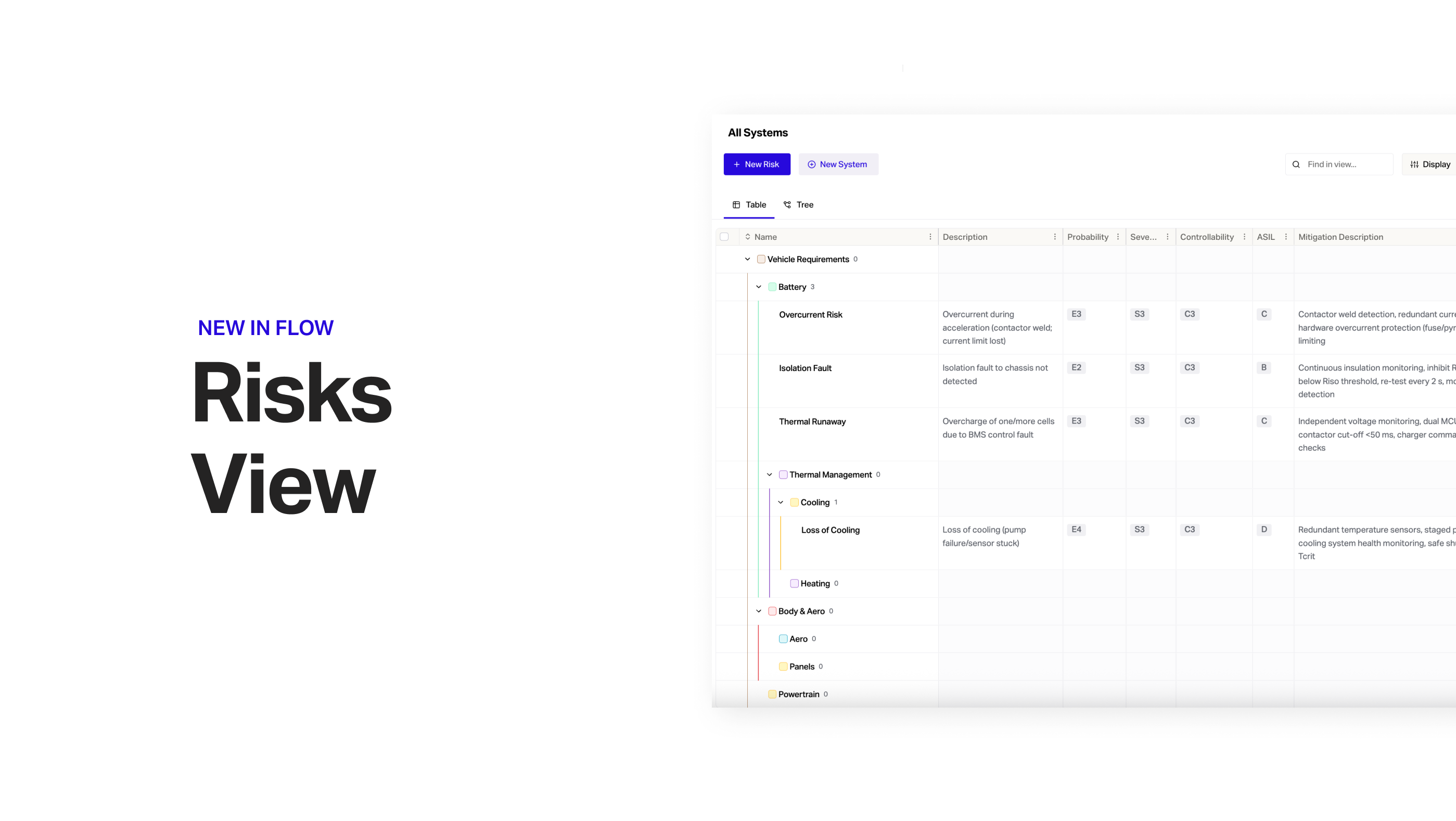
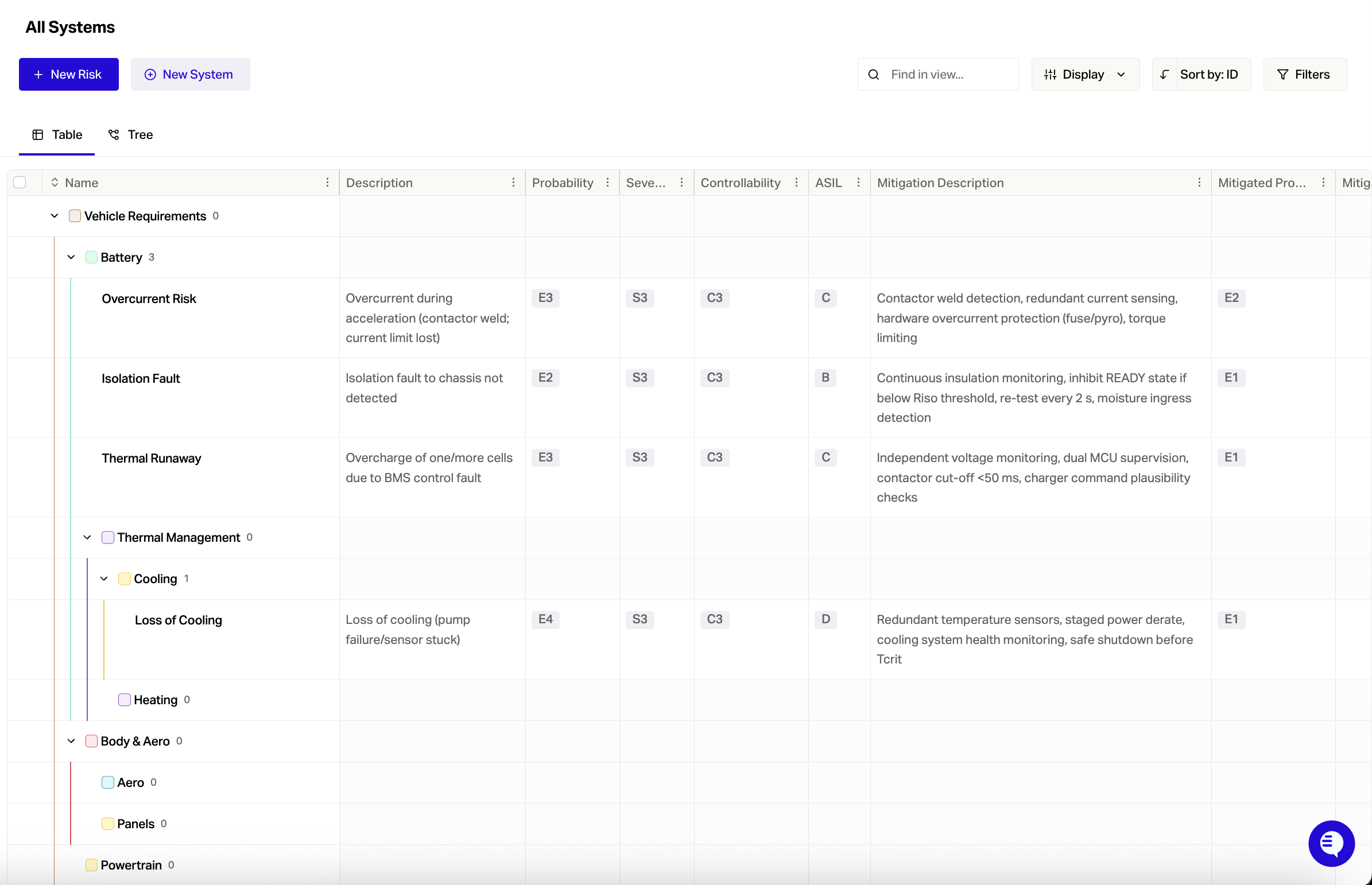
You can now manage risks and failure modes directly in Flow, including DFMEAs, PFMEAs, and other structured risk analyses.
To turn this feature on go to Settings > Project > Beta Features > Enable Risks View.
Click '+ New Risk' to get started. Make sure to link Risks to requirements to make it clear how each Risk impacts your design.
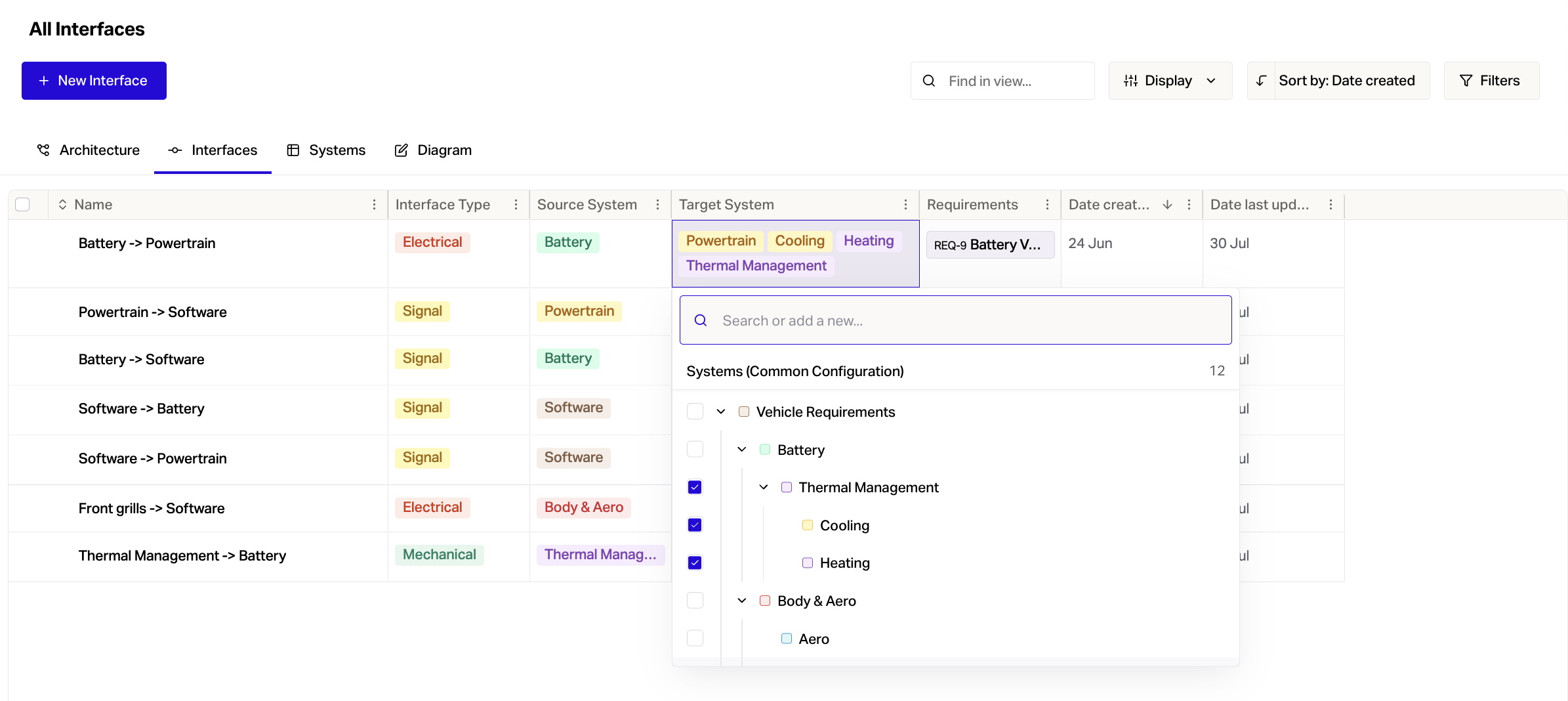
Multiple Targets On Interfaces
The Interface table now supports multiple targets. To define the interface click on the Targets cell and tick the options you want.
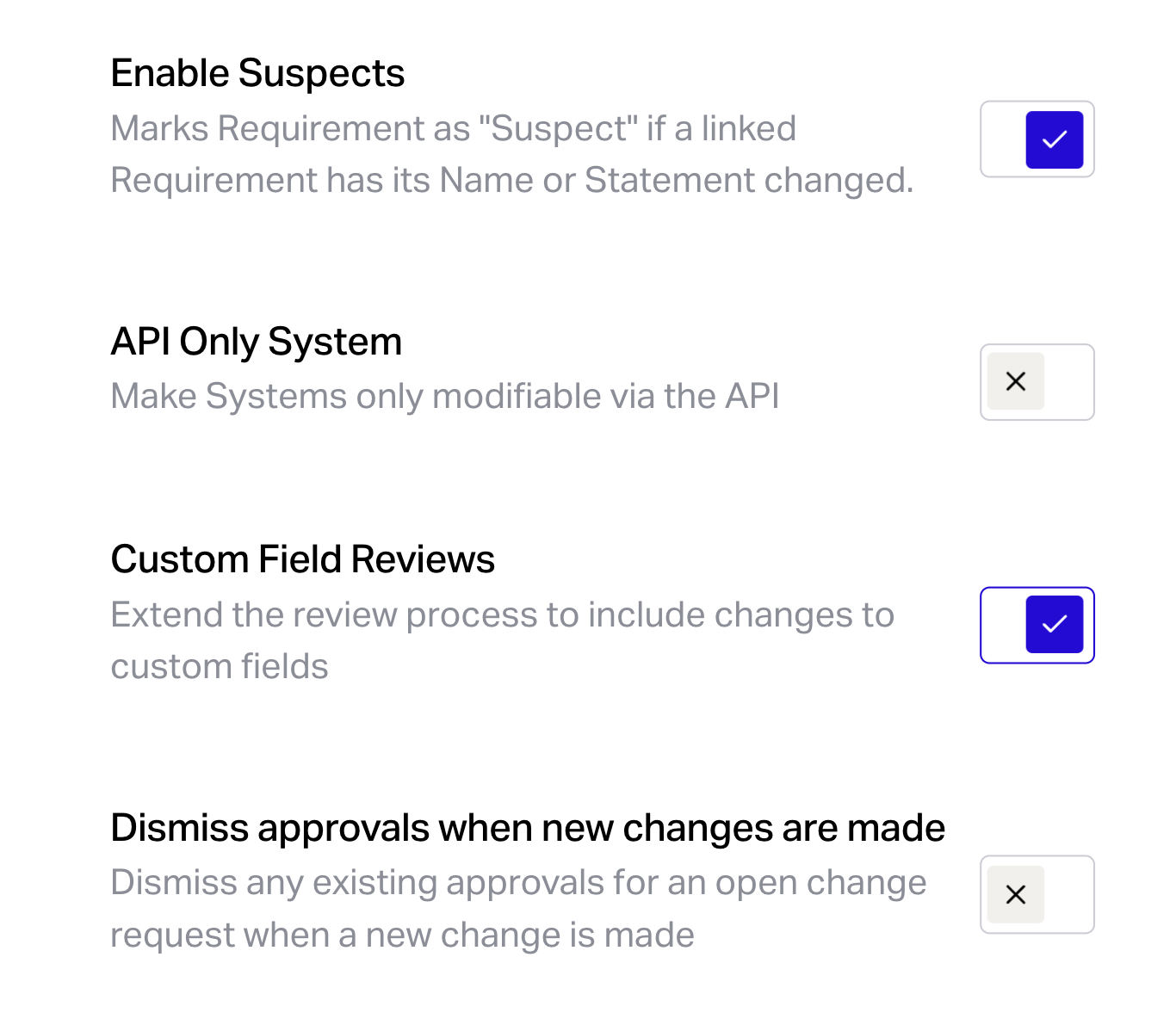
Custom Fields Trigger A Change Review
To trigger a change review when a custom field is changed go to Settings > Project > General > Custom Field Reviews.
ReqIF Importer
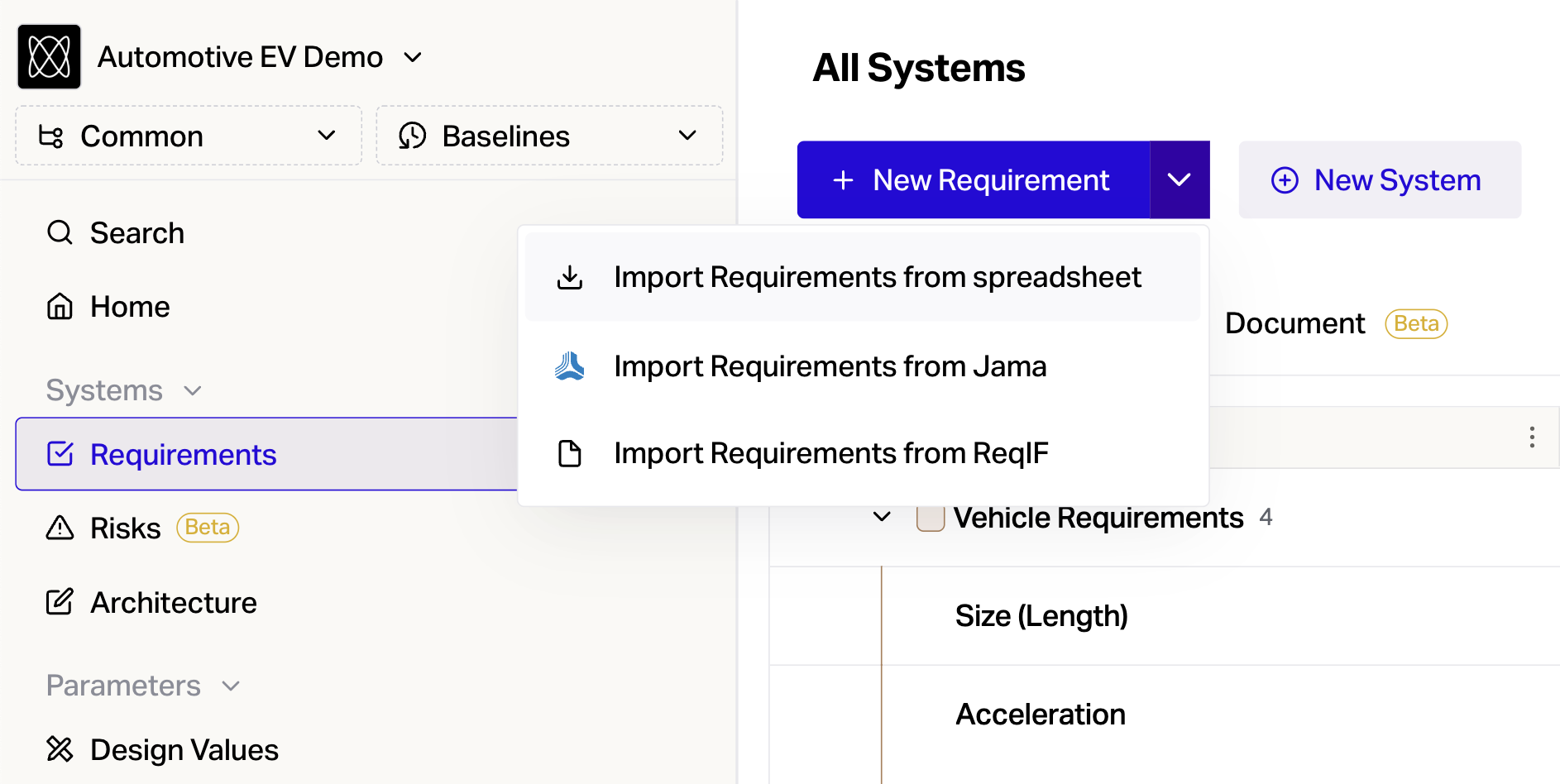
To import requirements in a ReqIF format go to Requirements > + New Requirement Dropdown > Import Requirements from ReqIF.
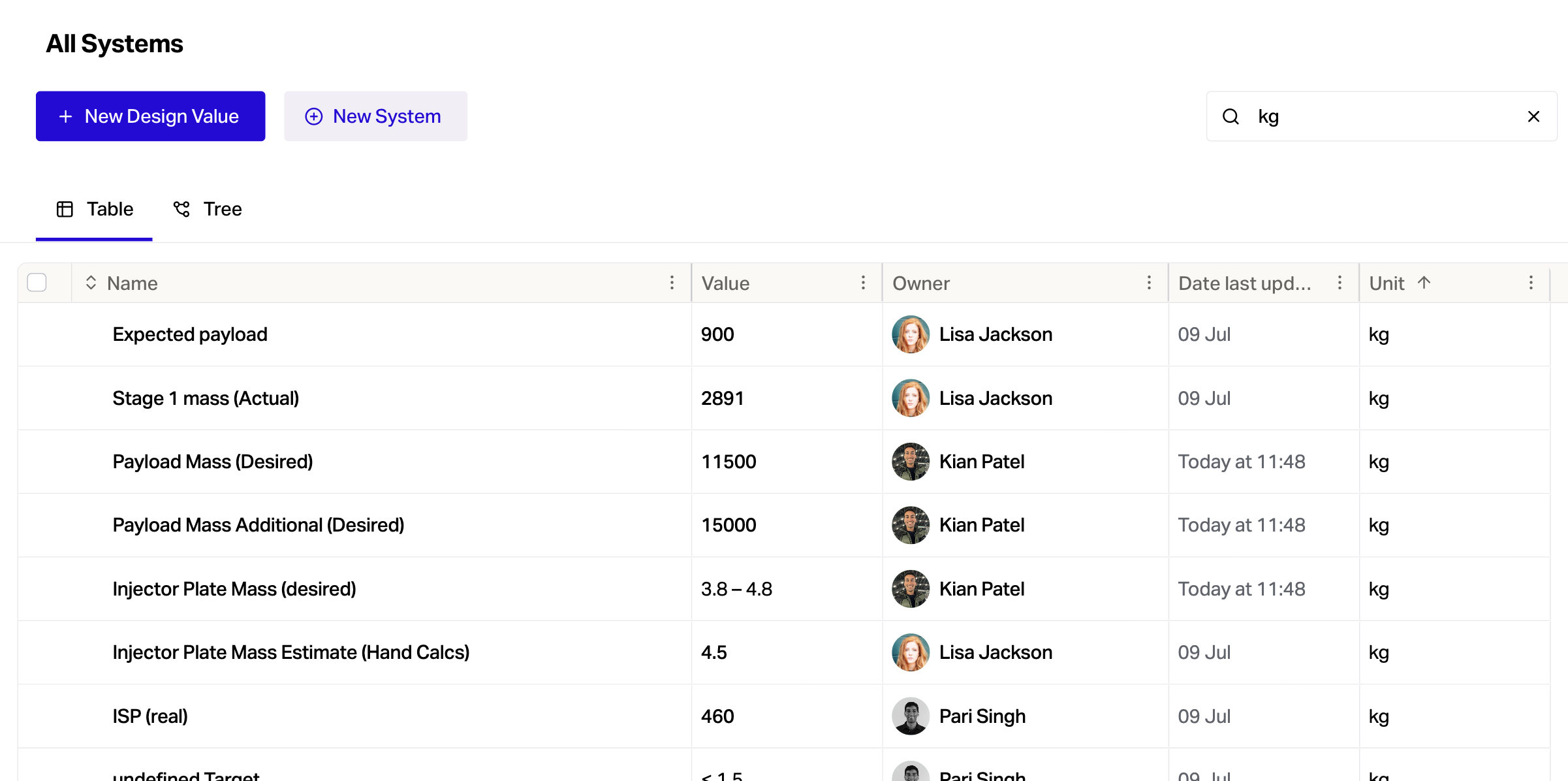
Search by Unit from 'Find in View...'
In the design values table, type a unit (eg: kg, N, m/s) into the 'Find in View' search bar to quickly pull up all design values with that unit.
Document View Pages
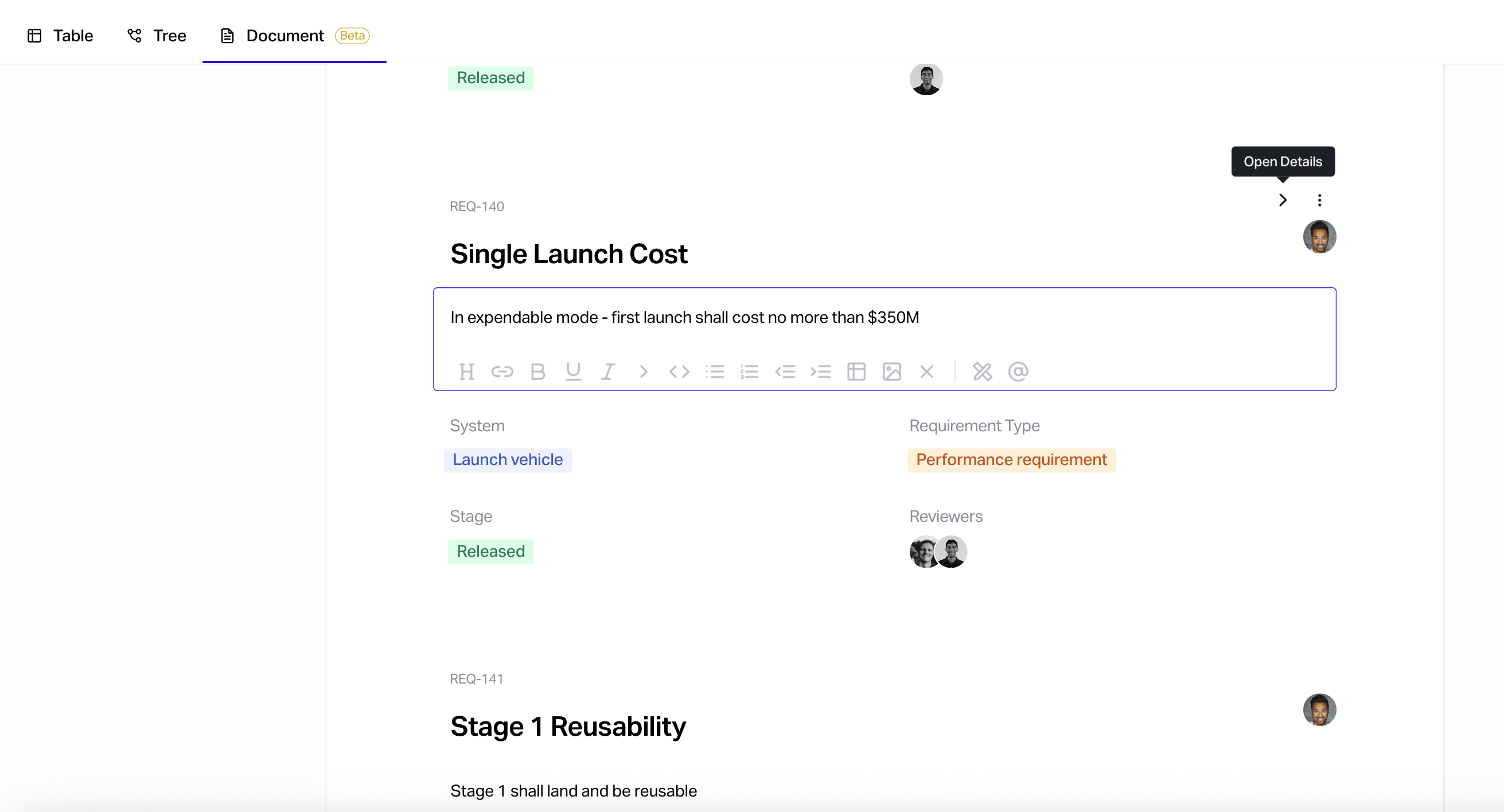
The requirements document view now has a page style layout to make documents clearer.
You can also edit the requirement fields in the document view as you go through. Click the open details button for more information.
See Member Emails
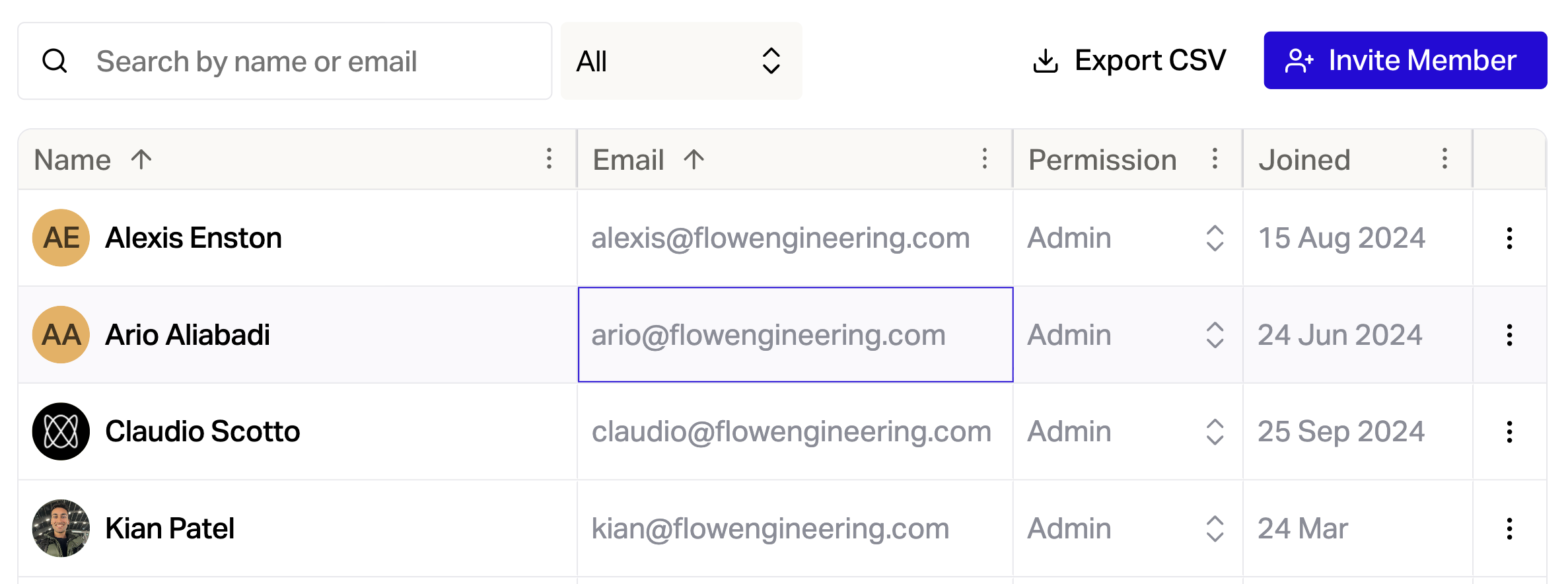
You can now see member email addresses in Settings, making it easier to manage your organization.
API Improvements
Get test cases for a requirement
Create a project
List organisations